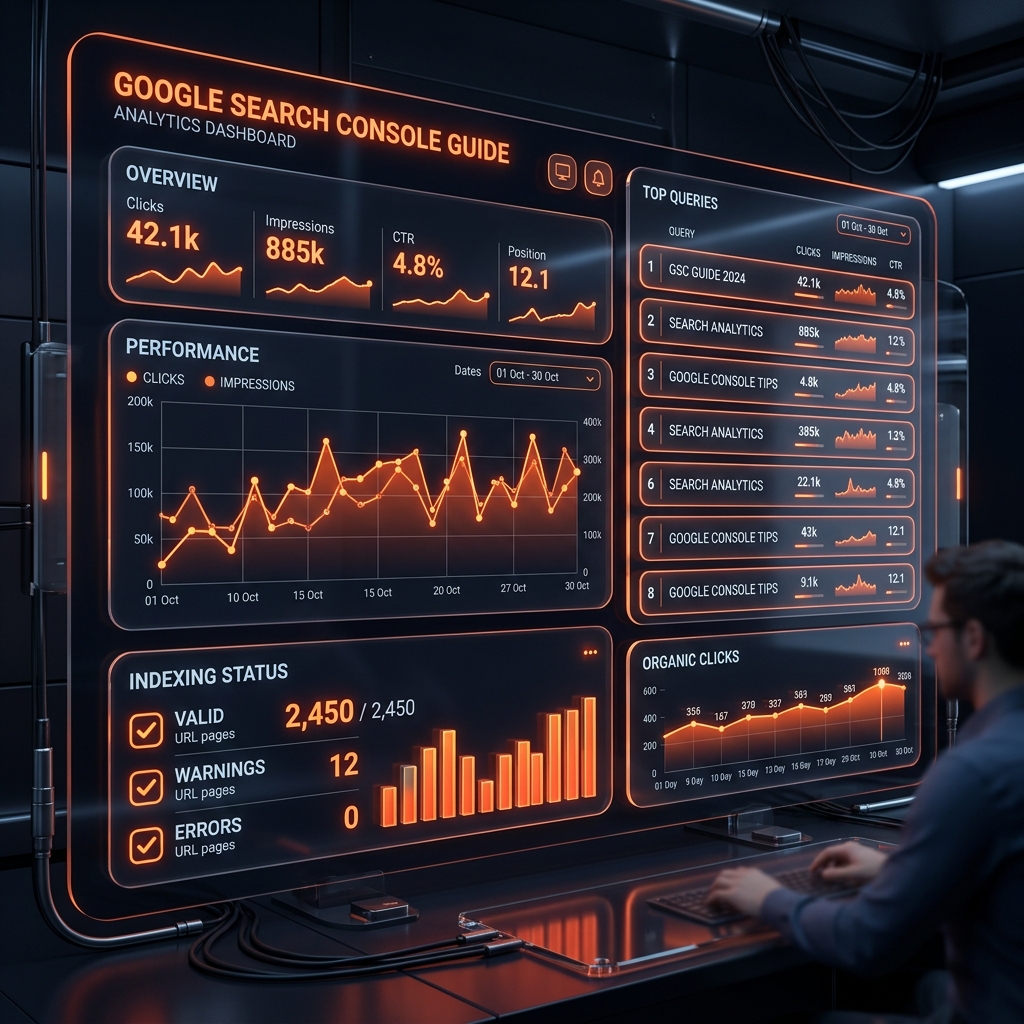
Google Search Console (GSC) is Google’s official free tool for webmasters and digital marketers. It provides first-party data directly from Google regarding how your site is crawled, indexed, and ranked in search results.
At Grothify, daily Search Console monitoring is standard procedure for maintaining technical domain health. In this guide, we show you how to use GSC to diagnose indexing issues and uncover hidden keyword opportunities in 2026.
Is Google Indexing Your Pages Correctly?
We’ll perform a full Search Console health audit, inspect coverage errors & submit XML sitemaps.
Core Metrics to Track in GSC Performance Report
| Metric | Definition | Optimization Strategy |
|---|---|---|
| Total Impressions | Number of times your site appeared in Google search results | Indicates overall domain visibility & keyword indexation growth |
| Total Clicks | Number of users who clicked through to your site | Direct measure of organic search traffic volume |
| Average CTR | Percentage of impressions that resulted in a click | Improve page titles & meta descriptions to boost low CTRs |
| Average Position | Mean numerical ranking position for target queries | Optimize content depth for queries ranking positions #8–#20 |
5 Steps to Fix Common Indexing Errors
- Discovered – Currently Not Indexed: Indicates quality or crawl budget issues. Improve content depth and add internal links (reference our internal linking guide).
- Crawled – Currently Not Indexed: Google crawled the page but decided it lacked unique value. Rewrite thin content to satisfy E-E-A-T criteria.
- Page with Redirect (301): Normal if intentional, but update internal links to point directly to final destination URLs.
- Submit XML Sitemap: Submit your
sitemap_index.xmlURL under **Indexing → Sitemaps** to ensure regular crawling. - Inspect URL & Request Indexing: Use the URL Inspection tool to trigger manual indexing for newly published blog posts.
Scale Organic Traffic with Grothify
Our SEO team resolves technical crawl errors, implements schema & tracks keyword rankings daily.
Frequently Asked Questions
How long does it take for Google Search Console to update data?
Search Console data typically operates on a 24 to 48-hour data lag, though real-time URL inspection provides instant live crawl status.
Written by Mohammed Ouzair, Founder & Technical SEO Lead at Grothify. Part of our SEO services. Follow on Instagram and LinkedIn.