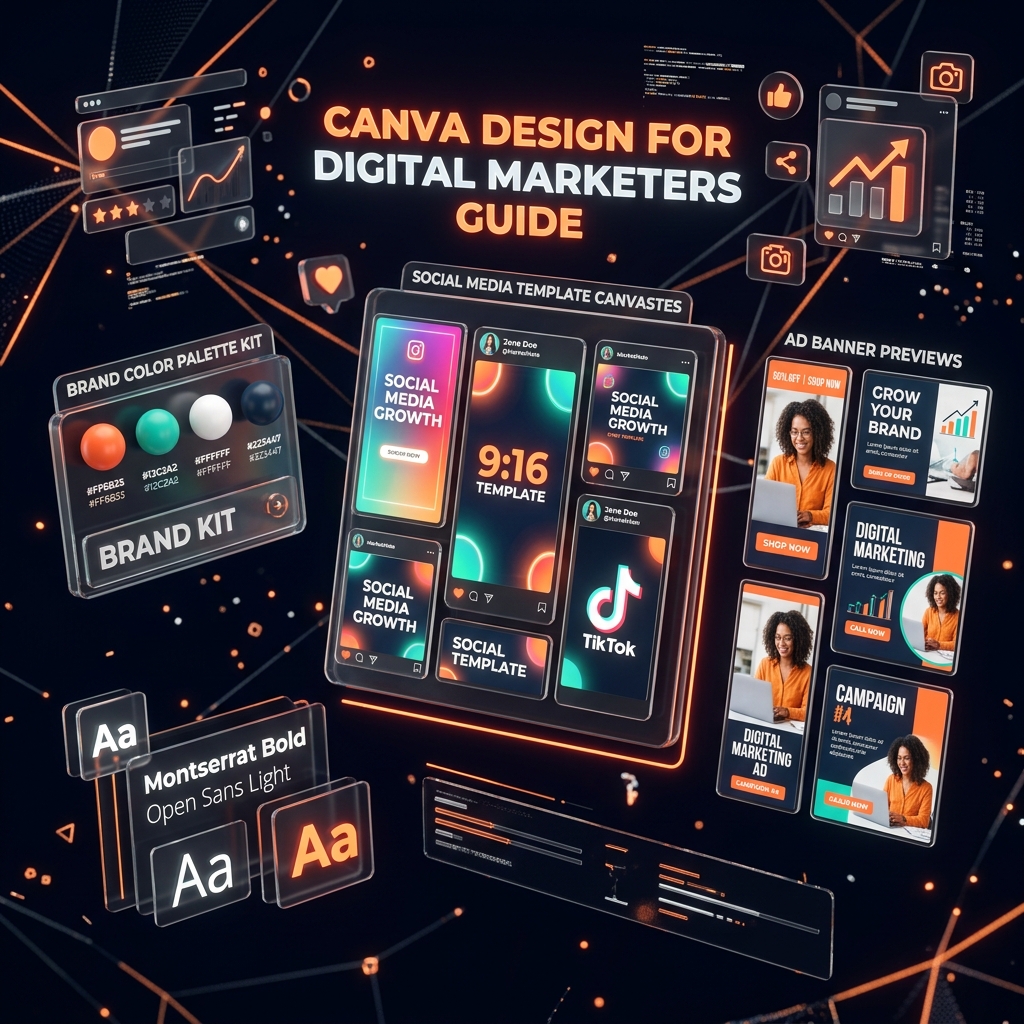
You don’t need a graphic design degree to produce professional marketing visuals in 2026. Canva has become the default design platform for digital marketers, social media managers, and agency founders — enabling rapid production of branded social posts, ad creatives, pitch decks, and video thumbnails without learning Photoshop or Illustrator.
At Grothify Academy, Canva proficiency and brand asset creation are practical skills taught in our creative production modules. In this guide, we share our 2026 Canva workflow for marketers.
Master Marketing Design with Canva
Grothify Academy 45-day live training includes brand kit creation, social templates & ad creative production.
Essential Canva Asset Sizes for Every Platform
| Platform / Asset | Recommended Canva Size | Use Case |
|---|---|---|
| Instagram Feed Post | 1080 × 1080 px (Square) | Carousel tips, client testimonials, quote graphics |
| Instagram Story / Reel | 1080 × 1920 px (9:16) | Behind-the-scenes, polls, promo announcements |
| LinkedIn Carousel | 1080 × 1350 px (PDF export) | Educational value posts, step-by-step frameworks |
| YouTube Thumbnail | 1280 × 720 px | High CTR click-bait-free custom thumbnails |
| Blog Featured Image | 1200 × 630 px | WordPress / SEO Open Graph sharing images |
| Facebook / Google Display Ad | 1200 × 628 px / 300 × 250 px | Paid social & display ad banners |
3 Steps to Build a Branded Design System in Canva
- Set Up a Brand Kit: Upload your logo, define primary and secondary brand colours, and select 2 brand fonts inside Canva’s Brand Kit so every team member produces consistent visuals.
- Create Reusable Templates: Design 5 master post templates (testimonial, stat card, how-to, CTA, and checklist) and save them as Canva Team Templates for quick weekly social production. Pair with our Instagram Reels strategy.
- Add Canva Designs to Your Portfolio: Export your best branded designs as high-res PNGs and showcase them in your digital marketing portfolio.
Accelerate Your Marketing Career
Master digital marketing in 45 days with 1-on-1 mentorship, live campaign budget & placement support.
Frequently Asked Questions
Is Canva Pro worth the investment for digital marketers?
Absolutely. Canva Pro ($12.99/month) unlocks Background Remover, Brand Kit, Magic Resize for instant multi-platform exports, and 100M+ premium stock photos — saving hours of production time weekly.
Written by Mohammed Ouzair, Founder of Grothify Academy. Part of our digital marketing course. Follow on Instagram and LinkedIn.