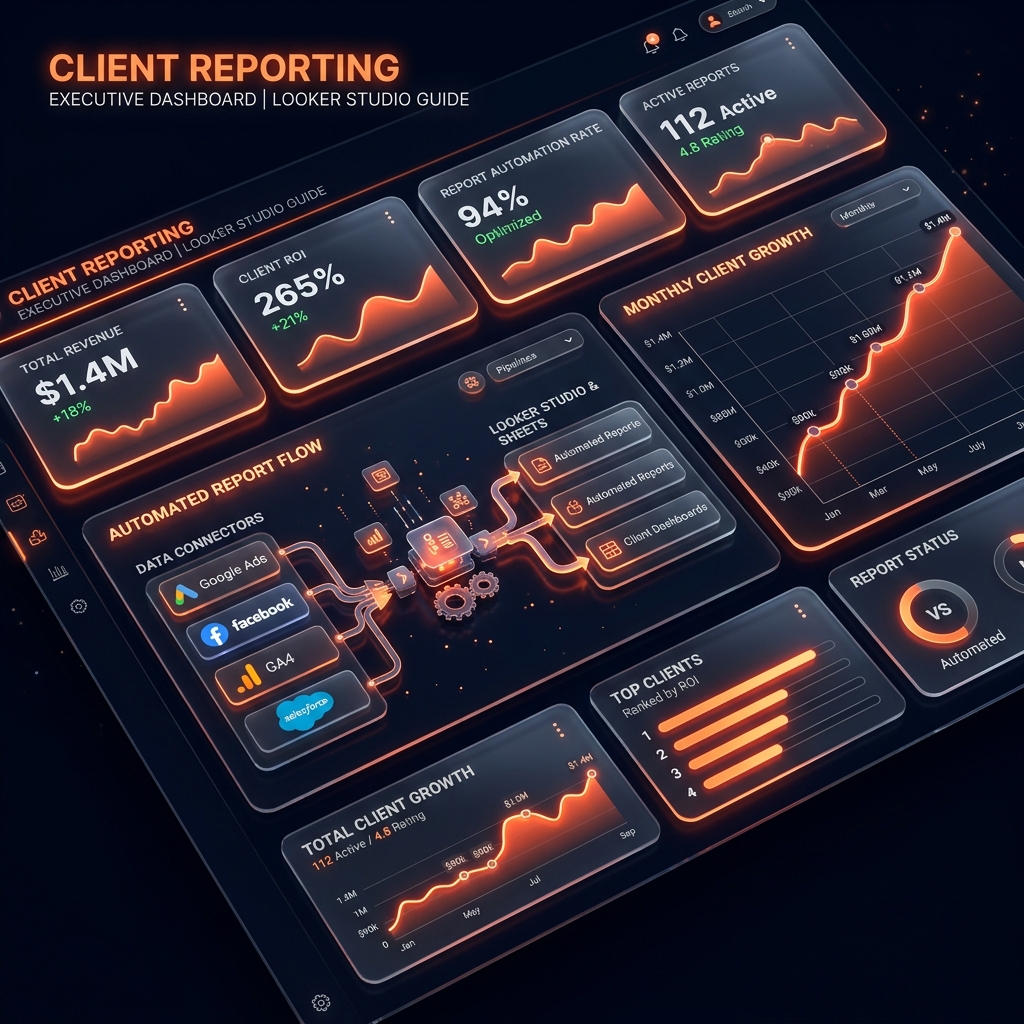
Delivering clear, visual, and automated performance reports is how top digital marketers retain clients, justify budgets, and demonstrate ROI. In 2027, clients expect real-time dashboards — not end-of-month PDF summaries delivered 2 weeks late.
At Grothify Academy, professional client reporting and Looker Studio dashboard building are taught using live campaign data. In this guide, we share our reporting framework.
Build Automated Client Dashboards
Grothify Academy 45-day live training includes Looker Studio setup, GA4 connector configs & automated Sheets reporting.
Marketing Dashboard Tool Comparison
| Reporting Tool | Best Used For | Pricing |
|---|---|---|
| Looker Studio (Google Data Studio) | Custom visual dashboards pulling GA4, Ads, Search Console & Sheets data | 100% Free |
| Google Sheets + Supermetrics | Automated data pulls, pivot table analysis & custom KPI calculators | Free (Sheets) + $39/month (Supermetrics) |
| Agency Analytics | White-labelled agency client dashboards with SEO, PPC & social integrations | $79/month (Freelancer Plan) |
| DashThis | Quick drag-and-drop marketing reports for multi-channel campaigns | $49/month (Individual Plan) |
3 Steps to Build a Professional Client Report
- Define 5 Core KPIs Per Channel: Every report page should feature only the 5 most business-relevant metrics. Remove vanity metrics and focus on revenue, leads, CPA, ROAS, and CTR. Reference our marketing KPIs guide.
- Connect GA4 + Ads to Looker Studio: Use native Google connectors to create real-time dashboards that auto-update daily. Reference our GA4 mastery guide for event tracking setup.
- Add Commentary & Recommendations: Never send raw data without context. Every report page should include a 2–3 sentence written insight box explaining what happened, why, and what you’ll do next.
Accelerate Your Marketing Career
Master digital marketing in 45 days with 1-on-1 mentorship, live campaign budget & placement support.
Frequently Asked Questions
How often should you send client reports?
Send a brief weekly performance snapshot (5-minute read) and a comprehensive monthly strategy report with insights, recommendations, and next-month action items.
Written by Mohammed Ouzair, Founder of Grothify Academy. Part of our digital marketing course. Follow on Instagram and LinkedIn.