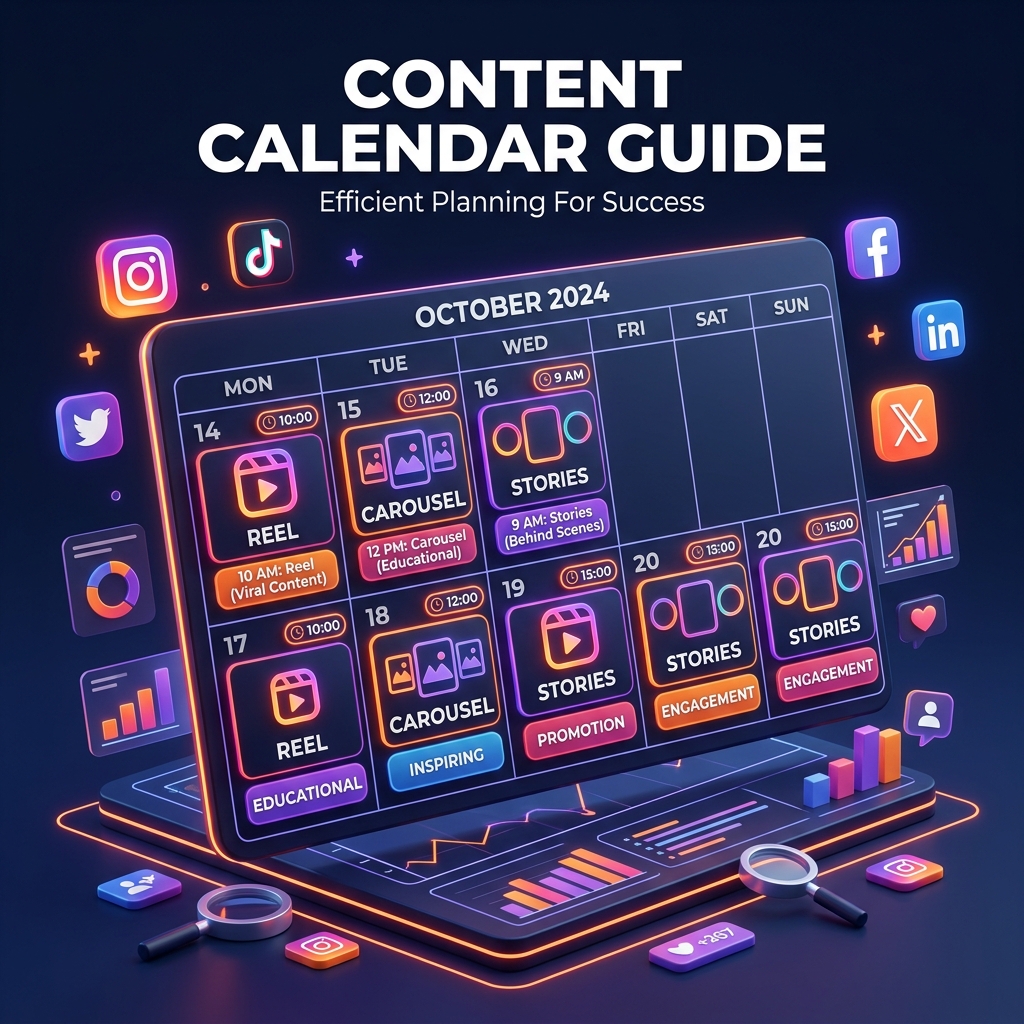
Consistency is the secret weapon of viral social media growth. But without a structured social media content calendar, creators and businesses fall into the trap of scrambling for post ideas at the last minute — leading to inconsistent posting and burnt-out marketing teams.
At Grothify, we use a streamlined 30-day content calendar workflow to manage posting across dozens of brand accounts. In this guide, we show you how to build your content calendar step-by-step.
Get Free Social Media Content Calendar Template
Download our Notion & Google Sheets content calendar pre-loaded with 30 content hooks.
What Is a Social Media Content Calendar?
A social media content calendar is a master schedule of your upcoming posts organized by date, time, channel, content format, copy, visual asset links, and status. It allows you to plan content weeks in advance and maintain brand messaging alignment.
Step 1: Define Your 4 Core Content Pillars
Every brand needs 4 clear content pillars to ensure variety and keep audiences engaged:
| Pillar | Objective | Content Examples | Target % |
|---|---|---|---|
| Educational | Build authority & save value | Step-by-step guides, industry tips, tutorials | 40% |
| Inspirational / Proof | Build trust & desire | Case studies, client transformations, testimonials | 25% |
| Personal / Behind-the-Scenes | Build connection & human warmth | Team culture, founder stories, office bloopers | 20% |
| Promotional | Drive direct sales & leads | Discounts, product launches, lead magnet CTAs | 15% |
Step 2: Establish Your Weekly Posting Matrix
Combine platforms strategically. For instance, link your Instagram Reels strategy with your LinkedIn marketing strategy by re-purposing educational scripts into text carousels.
- Monday: Educational Carousel (LinkedIn & Instagram)
- Tuesday: Short-Form Video / Reel (Instagram & YouTube Shorts)
- Wednesday: Client Case Study / Metric Highlight
- Thursday: Industry Meme or Contrarian Opinion
- Friday: Founder Story / Weekly Recap
Step 3: Master the Content Batching Workflow
- Idea Brainstorming (Day 1): Spend 2 hours generating 20+ hooks and content concepts.
- Scriptwriting & Copy (Day 2): Write full captions, carousel slides, and video scripts.
- Media Creation (Day 3): Record all videos and design graphics in single focused sessions.
- Scheduling (Day 4): Upload assets to scheduling tools like Buffer, Metricool, or Later.
Let Grothify Manage Your Social Media
We handle copy, graphic design, video editing & scheduling for hands-free growth.
Frequently Asked Questions
What is the best tool for a content calendar?
Notion and Google Sheets are ideal for free customized planning. For scheduling and analytics, tools like Metricool, Buffer, and Publer offer great automation features.
Written by Mohammed Ouzair, Content Strategist & Founder at Grothify. Part of our social media services. Follow on Instagram and LinkedIn.